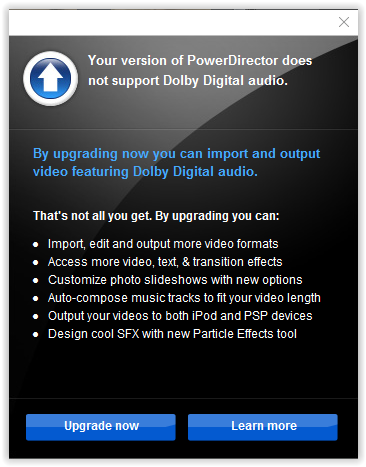
You own a version of Power Director
If you get this message :
"Your version of PowerDirector does not support Dolby Digital audio"
Means :
The audio on the program is disabled and you will need to upgrade/buy a new version.
Possible reasons :
1. OEM versions may come with the audio disabled and you then have to buy the full program.
2. You have changed to a new computer/laptop etc and the program thinks you are trying to load it into a new computer as a copy and has disabled audio.
Basically :
It's a limited function version of the program with the audio disabled so you buy the full program.
My expertise on the subject :
None.